Convergent Defense Foundation
A cheerful group of Indian schoolchildren in blue uniforms waving at the camera
← All projects
Education · STEM & AILaunching

School Cyber & STEM Labs

Hands-on technology labs for government and small private schools, built with Cyberange.

Technology students can touch

Many government and small private schools teach technology from the textbook. Students read about sensors, circuits and networks without ever wiring one, and the schools have neither the budget nor the equipment to change that.

This programme brings them a working lab built around the city they live in. Students see how traffic signals, street lights, water and power are controlled, program them themselves, and in the senior grades learn why those systems have to be protected.

The partnership
Cyberange

Cyberange designs and builds the lab kits. The Convergent Defense Foundation raises the funds, selects the schools and reports on impact. Installation and teacher training are delivered by both together.

The programme is launching now. The first labs will be set up as sponsorship comes in.

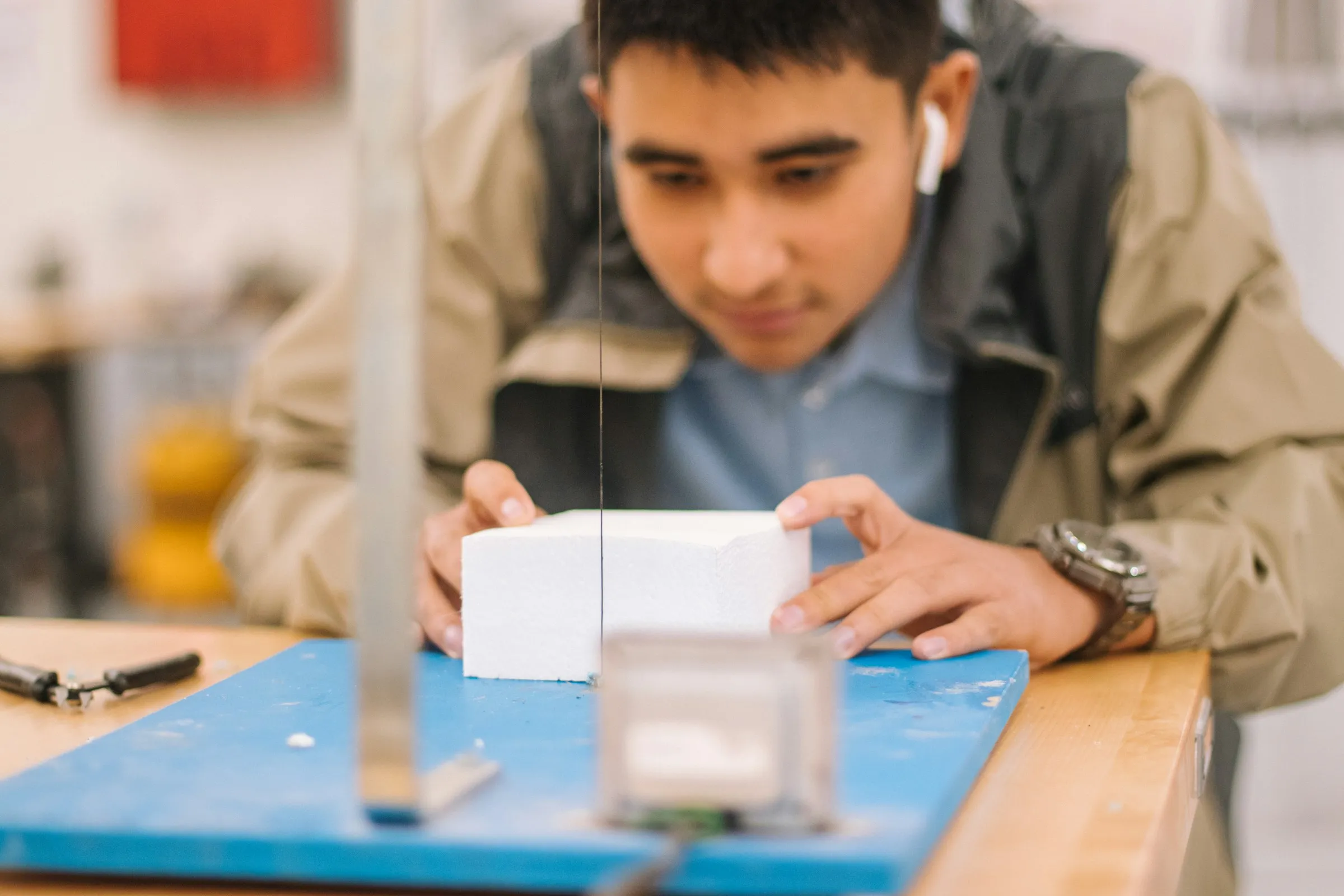
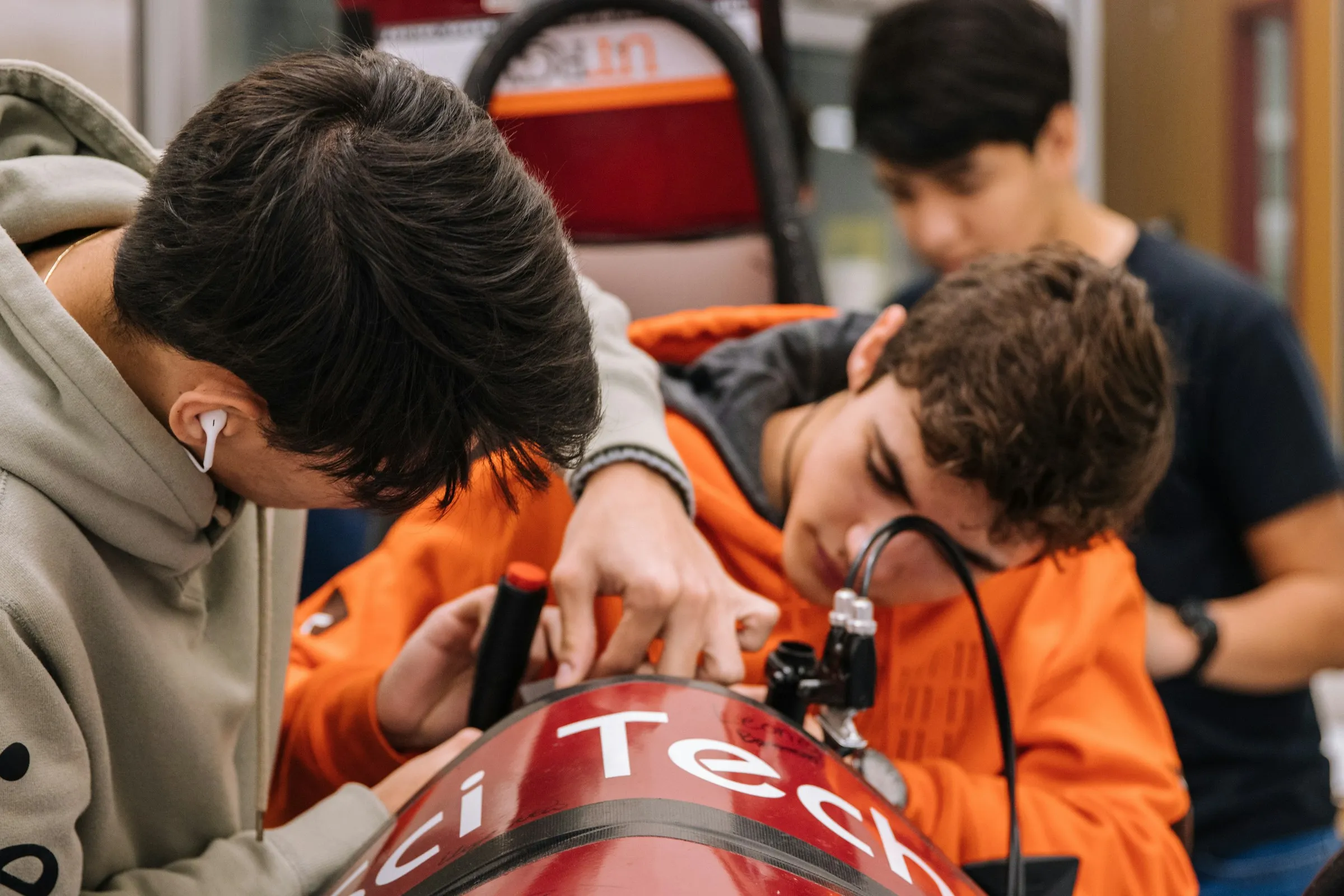
Teenage students working together on a robot build in a school workshop
Grades 8–12

CurioLabs

Learn how a city works by programming it

Each CurioLabs unit is a working miniature of one part of a city, such as a traffic junction, a process plant or a power station, connected to a control console. Students do not just read about these systems. They program them, flash their code to the model and watch it respond, starting with Blockly, a drag-and-drop visual programming tool, and moving on to Python and AI.

Per model
2–3 students

One team works on a model at a time. The teacher first takes the whole class through each lesson.

Models per school
3 to start

We suggest at least three different models, adding more each year.

Sessions
10–12 a year

One or two a month, with teams rotating between models. Schools can run more.

Space
A table per model

Each model is about 2 × 1 ft and its console 1.2 × 1 ft. A corner of a room is enough to start.

One path, from Blockly to AI

Shown here with the traffic model. Every sector follows the same path, so students build on what they learned the year before.

  1. Grade 8Blockly

    Program it visually

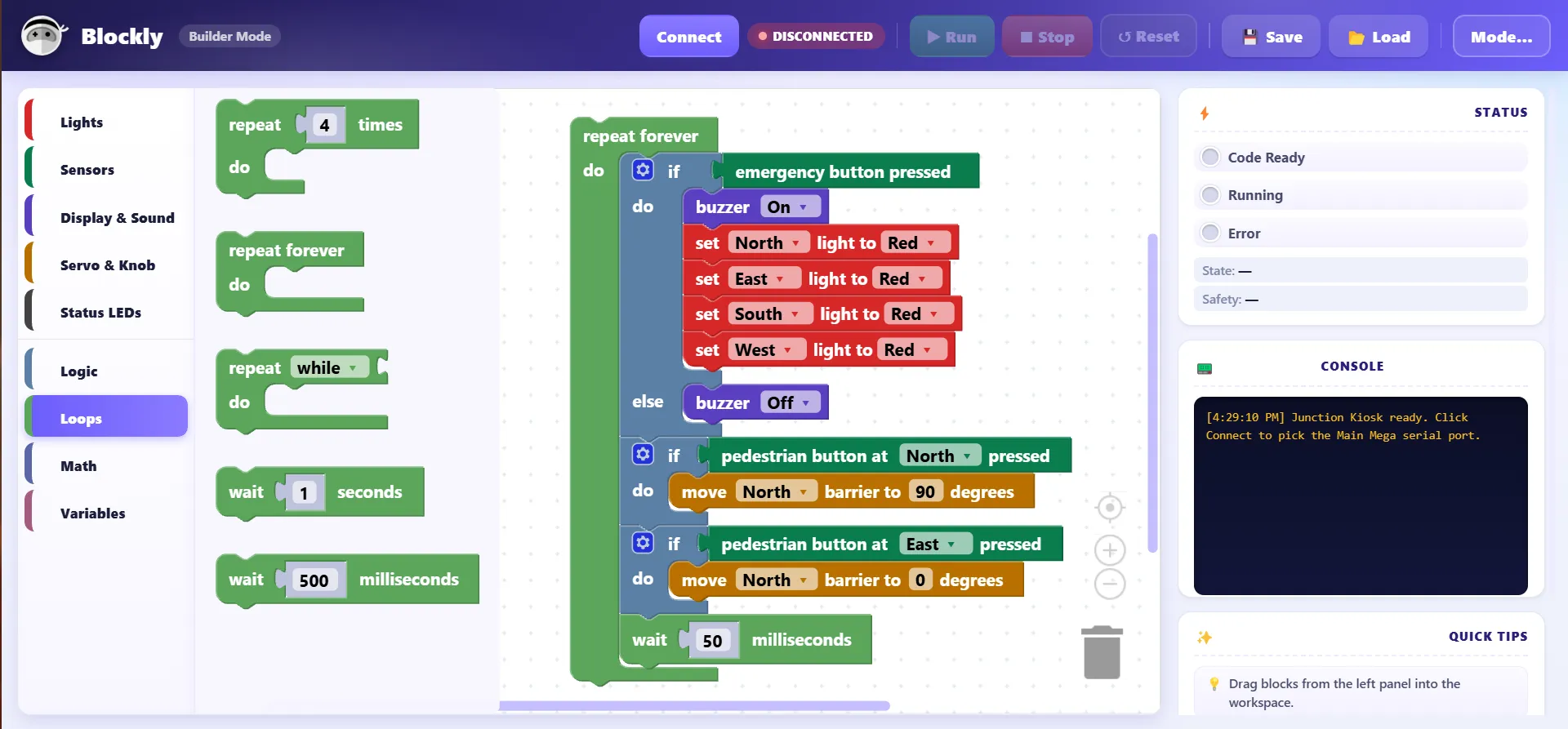
    In Blockly, a visual programming tool, students drag and drop the red, amber and green lights and set their timings. They flash the program to the model, press play and watch the junction respond. Then they challenge themselves: add more vehicles, more pedestrians, and see whether their timing still works or can be improved.

  2. Grade 9Python + sensors

    Write it in Python

    The same junction, now programmed and flashed in Python. Sensors count waiting vehicles and detect a pedestrian asking to cross, and students write the logic that lets the signal respond on its own.

  3. Grade 10ML & AI basics

    Make it intelligent

    Students learn the basics of machine learning and use Python with a library such as TensorFlow to build a model that adjusts the signal timings automatically, in real time, as traffic changes.

  4. Grades 11–12Cyber security

    Keep it safe

    Once students have built a working system, they learn how it could be misused, for example by faking a sensor reading, and how to protect it.

The curriculum maps to CBSE, ICSE, Cambridge and IB computer science, fits within Atal Tinkering Labs and supports the STEM outcomes of NEP 2020. Students leave with a portfolio of documented projects they can show colleges.

Grade 8 in practice

Program it, then put it to the test

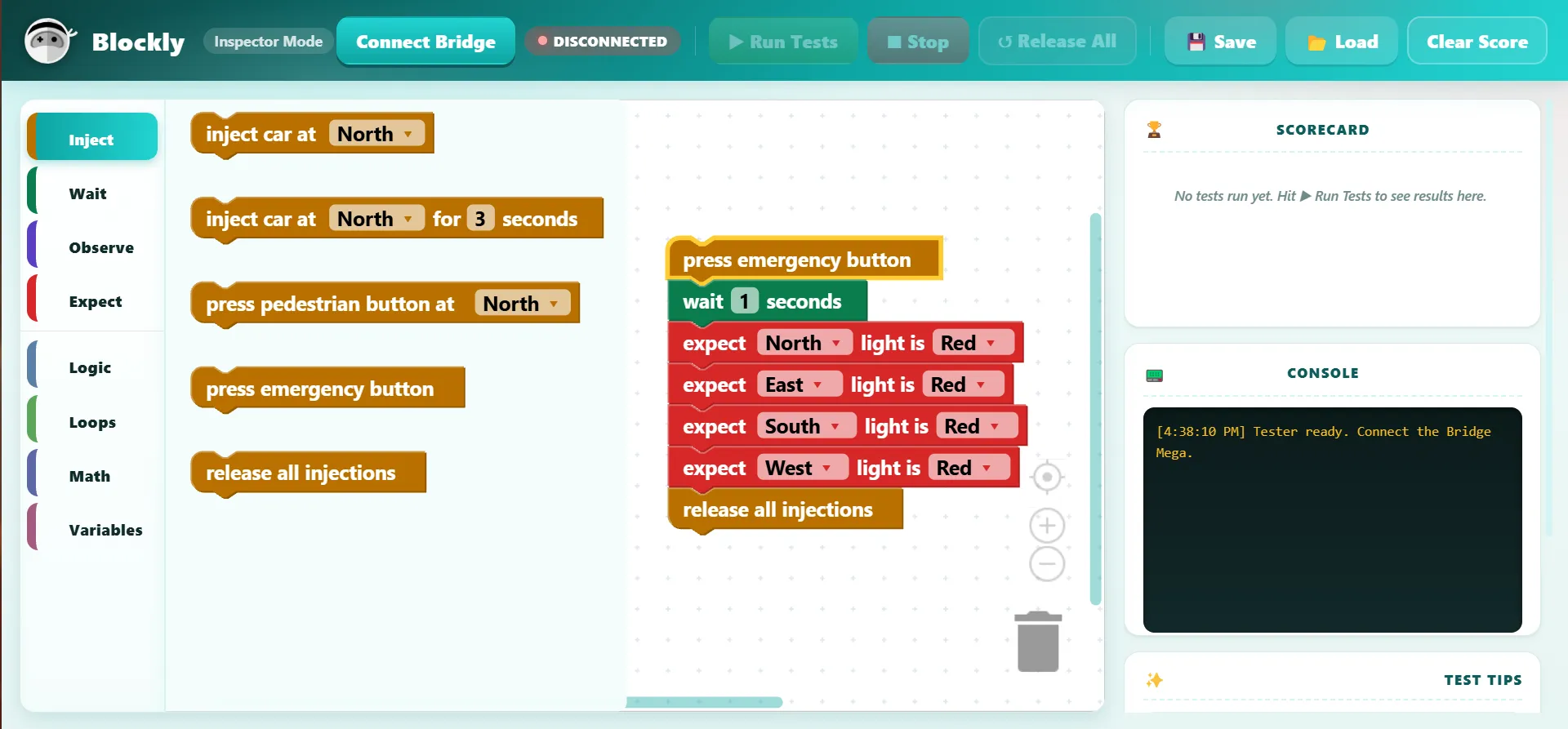
The two Blockly screens a Grade 8 student works in.

Blockly builder showing a traffic junction program: on emergency, sound the buzzer and set all lights to red; when a pedestrian button is pressed, move the barrier
Build. Lights, sensors, sound and barriers as drag-and-drop blocks.
Blockly test screen: inject cars and press the emergency button, then expect every light to be red, with a scorecard of results
Test. Inject cars and button presses, state what should happen, and get a scorecard.

One method, every sector

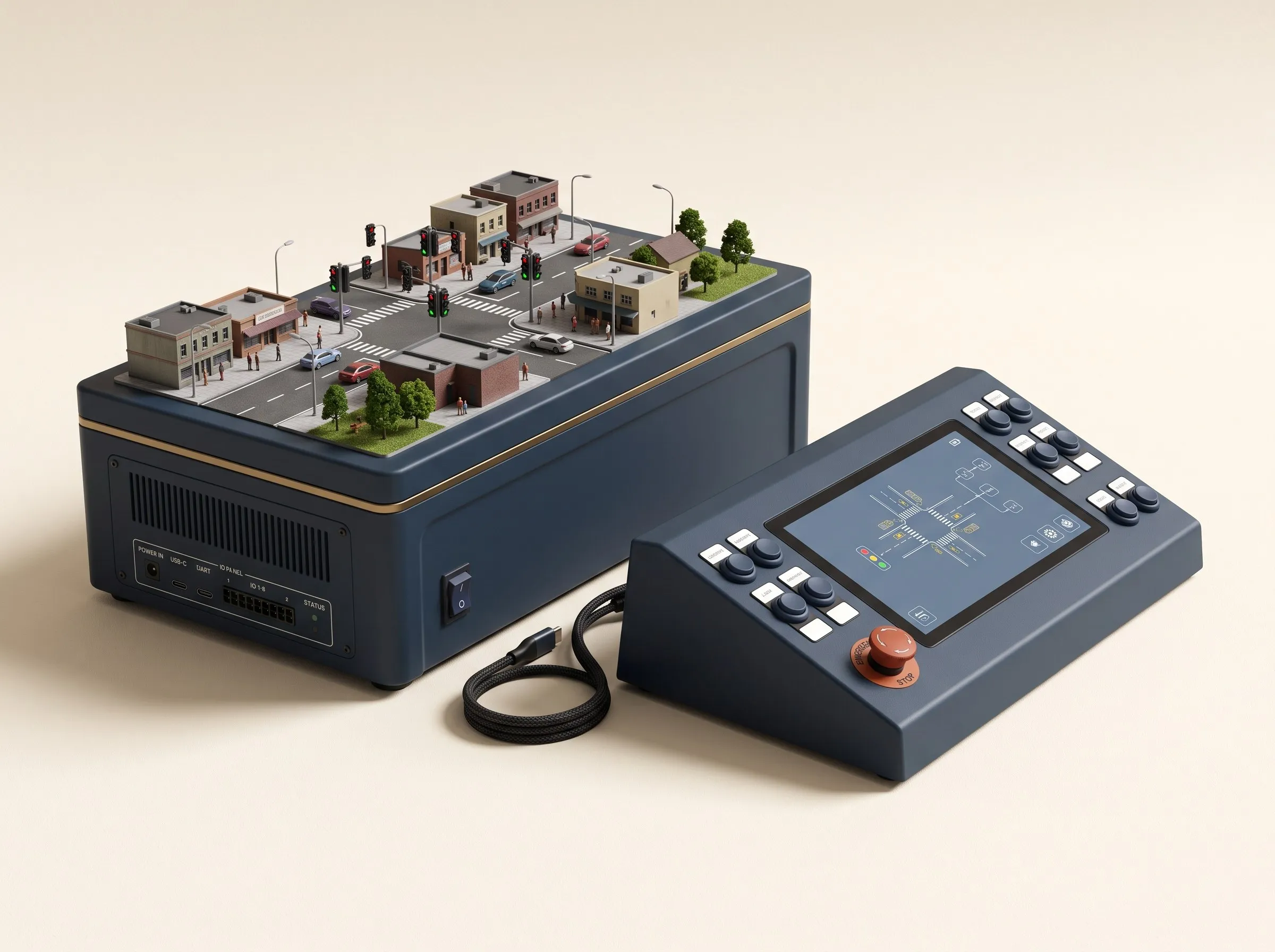
Three of the CurioLabs models. Images are product renders.

Render of a CurioLabs unit: a miniature city intersection with traffic signals and pedestrians on a base unit, connected to a control console showing the junction
01 · Traffic

A city junction

Signals, crossings, vehicles and pedestrians at a busy intersection. This is the model used in the learning path above.

  1. Gr 8Light sequence and timings in Blockly.
  2. Gr 9A sensor-driven signal in Python.
  3. Gr 10Timings that adapt in real time with ML.
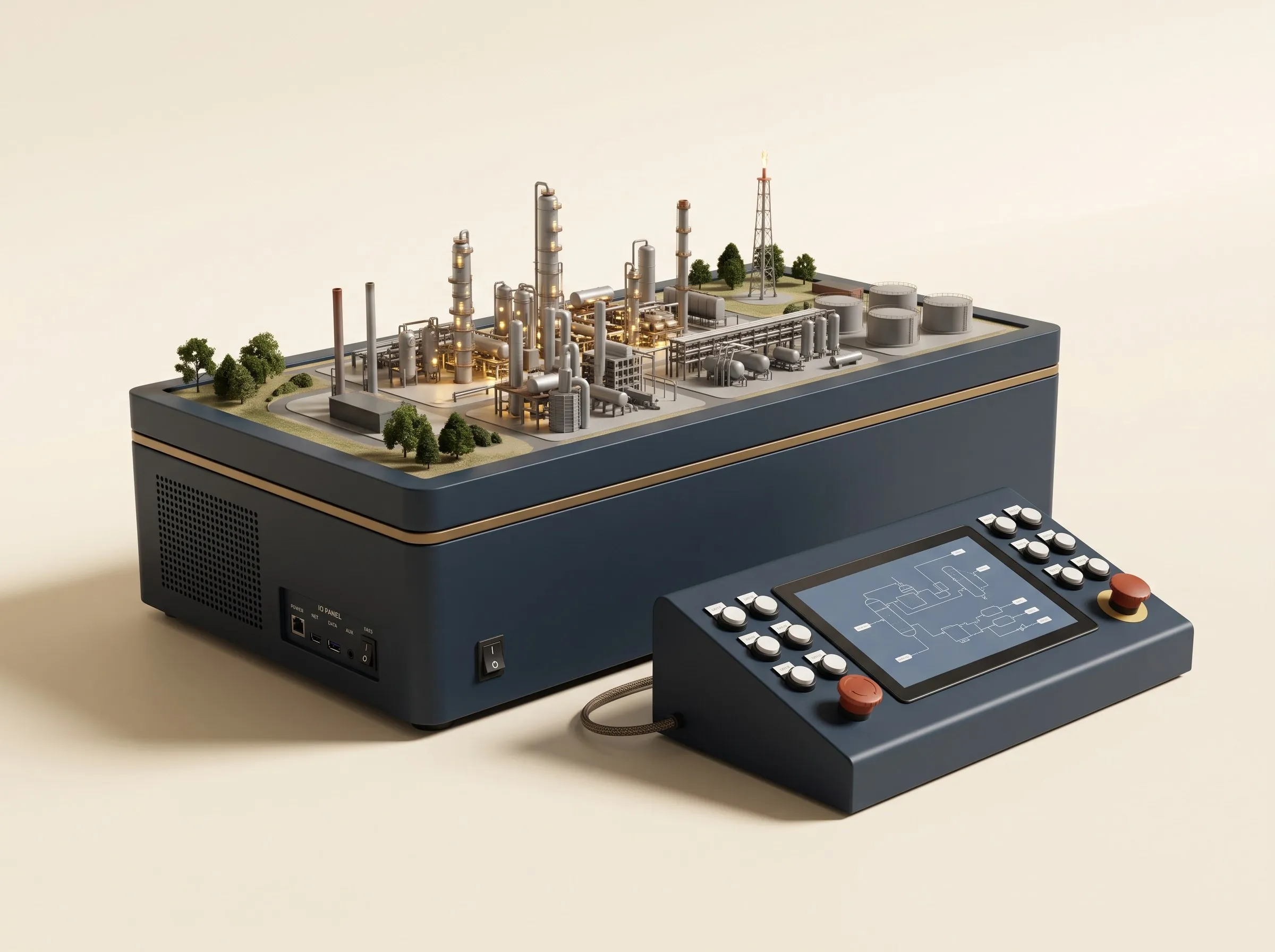
Render of a CurioLabs unit: a miniature industrial plant with towers, pipework and storage tanks, connected to a control console showing a process diagram
02 · Industry

A process plant

Tanks, pumps, valves and pipework that move and process material safely.

  1. Gr 8Tanks, valves and pumps in the right order, in Blockly.
  2. Gr 9Level and pressure sensors running pumps in Python.
  3. Gr 10Predicting an overflow or a failing pump with ML.
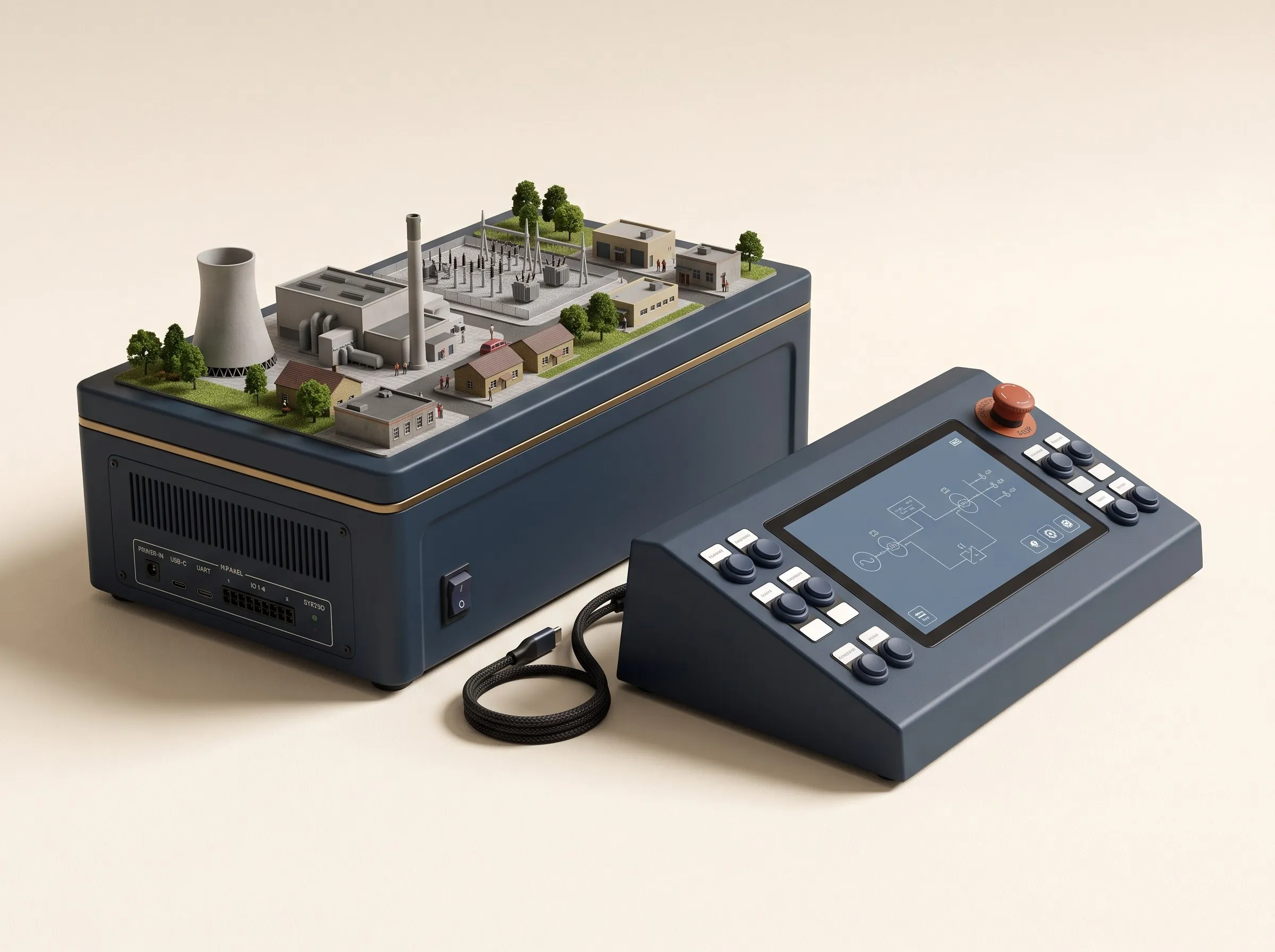
Render of a CurioLabs unit: a miniature power station with a cooling tower and substation, connected to a control console showing a single-line diagram
03 · Energy

A power station

Generation, a substation and the homes and buildings that draw power.

  1. Gr 8Generation and loads switched in Blockly through the day.
  2. Gr 9Automatic switching and load-shedding in Python.
  3. Gr 10Demand forecasting and real-time balancing with ML.

More models are on the way. Further CurioLabs units simulate other parts of a smart city, such as street lighting and waste collection, and follow the same path from Blockly to AI.

What students take away

Beyond the skills themselves, students leave with something to show for each year.

A project report

Students write up what they built, what they learned and how they improved it, a record of their own work they can show.

A certificate each year

One certificate per grade, issued jointly by Cyberange and CDF, for completing that year of the path, from Blockly through Python to AI.

Why hands-on

When students build a system, watch it run and work out why it did not do what they expected, they learn to think, not just to remember.

  • Break it down

    Turn a real problem, like a busy junction, into clear steps a machine can follow.

  • Test the idea

    Run the program on the model and check the result against what they expected.

  • Improve it

    Find what went wrong, change one thing, and try again until it works better.

Sponsoring a lab

You can sponsor a whole lab or part of one. Costs depend on the school and the kits it needs; we share a breakdown on request. To give a smaller amount towards the labs, donate online.

  1. 1

    A sponsor funds a lab

    An individual, company or foundation funds a whole lab or part of one.

  2. 2

    We select the school

    The foundation chooses a government or small private school that will make good use of it.

  3. 3

    The lab is installed

    Cyberange and the foundation set up and test the lab on site, ready for its first class.

  4. 4

    Teachers are trained

    A three-day train-the-teacher onboarding, with lesson plans and manuals.

  5. 5

    We report back

    The foundation reports to the sponsor on how the lab is being used and what students build.

What it pays for

The kits

CurioLabs models and control consoles for the school, sized to its grades and space.

Installation

The lab set up and tested on site, ready for its first class.

Teacher training

A three-day train-the-teacher onboarding, with lesson plans and teacher manuals with rubrics.

Upkeep

A maintenance kit with replacement modules, and a helpline for teachers.